.jpg)















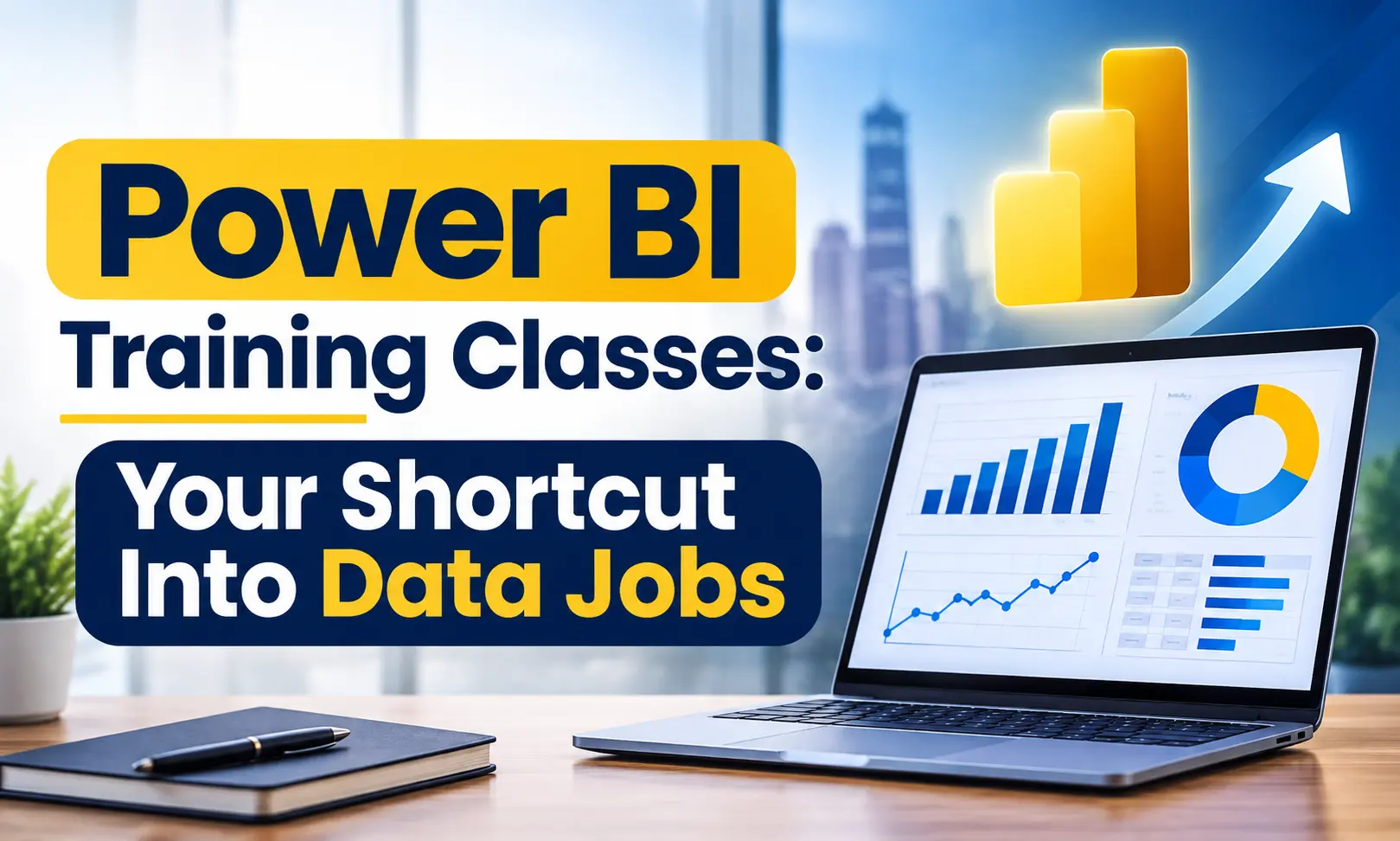
Power BI Training Classes: Your Shortcut Into Data Jobs







Quick answer: Power BI training classes teach you to turn raw data into interactive dashboards using Microsoft Power BI. A good class covers Power Query, DAX, visuals, and publishing reports. Beginners can start with basic Excel skills, and Power BI developers in India earn a median of about ₹6.7 lakh a year, according to Flexiple (Aug 2026).
It’s 4:45 PM. Your manager wants a one-page sales summary by 5. Your Excel file has six tabs, a few lakh rows, and a formula that just returned #REF!.
Now picture the same task with a dashboard that refreshes itself, filters by city in one click, and fits on a single screen.
That gap is exactly what Power BI training classes are built to close. If you’re a student choosing your next skill, a fresher whose resume looks like everyone else’s, or a professional tired of manual reports, this guide is for you.
What Are Power BI Training Classes?
Power BI training classes teach you how to use Microsoft Power BI, a business intelligence (BI) tool that turns raw data into interactive reports and dashboards. “Business intelligence” simply means using data to make better business decisions.
A good Power BI training programme teaches you to:
- Connect to data (Excel, CSV, databases) and clean it with Power Query
- Build a data model and write DAX formulas (DAX is Power BI’s formula language)
- Create charts, slicers, and dashboards that people can click and explore
- Publish and share reports online through Power BI Service
Power BI Desktop, the tool you build reports in, is free to download. Sharing reports with others in the cloud needs a paid licence. Power BI Pro costs about $14 per user per month in US pricing (Source: EPC Group, 2026).
Master MIS skills and boost your career potentialUnlock high-demand MIS job opportunities—Join our industry ready course today! |
|
| Classroom Course | Online Course | More Learning Options for you: |
| Certificate in Data Science | Advanced Excel Course | |
Why Should You Learn Power BI in 2026?
Three reasons stand out.
- It’s a market leader. Coverage of Gartner’s June 2026 Magic Quadrant for Analytics and BI Platforms reports Microsoft’s Power BI as a Leader for the 19th year in a row (Source: Refonte Learning, Aug 2026).
- Lots of people already use it. Flexiple’s India talent graph tracks over 12 lakh Power BI developer profiles (Source: Flexiple, Aug 2026). That means employers know the tool and ask for it.
- It keeps getting smarter. Microsoft’s April 2026 update expanded Copilot and AI features inside Power BI (Source: Microsoft Power BI Blog). AI speeds up the work, but someone still has to understand the data and ask the right questions.
Here’s how it compares with the tool you already know:
| Factors | Excel | Power BI |
| Best for | Quick calculations, small tables | Interactive dashboards, many data sources |
| Row limit per sheet | 1,048,576 rows (Source: Microsoft Support) | Loads data into a model, not a single sheet |
| Updating reports | Mostly manual | Scheduled refresh in Power BI Service |
| Sharing | Email the file | Publish a live, clickable report |
| Interactivity | Slicers and pivots | Cross-filtering, drill-through, bookmarks |
Excel isn’t going away. Power BI simply picks up where a spreadsheet starts to struggle.
How Much Can You Earn After Power BI Training?
Pay depends on experience, city, and company. Here is what recent Indian data shows (Source: Flexiple, updated Aug 2026):
- Median across all levels: about ₹6.7 lakh per year
- 0–2 years of experience: about ₹4.5 lakh per year
- 12+ years of experience: about ₹20.8 lakh per year
- Bengaluru median: about ₹8.4 lakh | Delhi median: about ₹5.6 lakh
Salary sites don’t always agree. For example, Guvi lists ₹3–6 LPA for juniors with 0–2 years of experience (Source: Guvi, 2026). Treat these numbers as ranges, not promises. Your portfolio and interview skills move the needle more than any average.
What Jobs Can You Get After Learning Power BI?
Power BI shows up in job descriptions across many teams, not just IT:
- Data Analyst
- Business Intelligence (BI) Developer
- MIS Executive
- Business Analyst
- Financial or FP&A Analyst
- Reporting Analyst
Scenario: Two B.Com freshers apply for the same MIS role. Both know Excel and basic accounting. One adds a Power BI dashboard to the resume: monthly sales by region, with a slicer for product category. The other writes “MS Office” and stops there.
When the interviewer opens the dashboard and clicks through it live, the conversation changes. It stops being “Do you know Excel?” and becomes “How did you build this?” That’s a much better interview to be in.
Is Power BI Hard to Learn for Beginners?
Short answer: no, if you take it step by step. Here are the three fears we hear most.
“I’m from commerce, not IT.” You don’t need an IT degree. Power BI is built for business users. If you can build a pivot table, you already understand the logic.
“Do I need to code?” Not to begin with. Power Query cleans data with clicks, and visuals are drag-and-drop. You’ll meet DAX later, and it feels like Excel formulas with more power.
“Will AI make this skill useless?” Unlikely. Copilot can draft a chart, but it can’t tell whether your sales data is missing a month. Knowing how data is shaped and modelled keeps you valuable.
The honest tough spot is DAX. Start with simple measures like totals and averages, then move to time-based calculations once you’re comfortable.
What Does Power BI Training for Beginners Cover?
A solid beginner syllabus follows the same flow as the work itself:
- Introduction: the Power BI interface, how reports, dashboards and datasets fit together
- Prepare data: import files, remove errors, fix data types in Power Query
- Model data: relationships between tables, star schema basics, first DAX measures
- Visualise: charts, tables, slicers, tooltips, buttons and bookmarks
- Publish and share: Power BI Service, workspaces, refresh and access
This mirrors the skill areas Microsoft tests in its PL-300 exam: prepare the data, model the data, visualise and analyse the data, and manage and secure Power BI (Source: aguidetocloud PL-300 guide).
What Is the Power BI Certification (PL-300)?
PL-300 is the exam for the Microsoft Certified: Power BI Data Analyst Associate credential. It is Microsoft’s main Power BI certification.
- Passing score: 700 out of 1,000
- Exam fee: about $165 in the US; the price varies by country, so check Microsoft Learn before booking
- Validity: one year, renewable for free through a Microsoft Learn assessment
(Source: aguidetocloud PL-300 guide.)
A certificate helps, but projects help more. Employers want to see that you can build something real.
How Do You Choose the Right Power BI Training Class?
Before you pay, check these six things:
- Does it teach Power Query and DAX, not just chart-making?
- Do you build dashboards on real, messy datasets?
- Does it cover Power BI Service, where reports actually get shared at work?
- Will you leave with portfolio-ready dashboards you can show in interviews?
- Can you ask doubts and get answers from a trainer?
- Is there help with resumes and interview preparation?
If a class ticks only the first box, you’ll finish with a certificate and an empty portfolio.
Why Learn Power BI at ICA Edu Skills?
If you want a guided start, ICA Edu Skills teaches Power BI as a module inside two of its courses: MIS and Data Analytics. The module is built around the way beginners actually learn.
The Power BI module runs through six lectures:
- Introduction to Power BI
- Preparing data
- Publishing reports
- Power BI Service
- Tooltips and slicers
- Buttons and bookmarks
What makes the learning path different is what surrounds it. Every ICA course bundles soft-skill training, including monthly mock interviews, group discussions, resume preparation, and SOBO (Speak Out Bowl Out). So you practise explaining your dashboard out loud, which is what interviewers really test.
ICA also teaches Advanced Excel, Tally, and GST. These sit in the same reporting world Power BI plugs into, so commerce and finance learners can build on skills they already have.
Few related topics for your knowledge
- 40+ Important Interview Trial Balance Questions & Answers
- Top 30 MIS Analyst Interview Questions & Answers
- Don’t Miss These 40 G Suite Interview Questions to Land Your Dream Job
- 80 Most Common Power BI Interview Questions and Answers
- Career in Management Information System: Insights, Scope, Opportunities
Conclusion
You don’t need to learn everything this month. Start small. Pick one dataset you already know, like your college results, a sales sheet, or your household expenses. Turn it into a one-page dashboard. Clean the data, build a few visuals, and add a slicer or two. By the end, you’ll have a real project to show and a clear sense of what to learn next.
Frequently Asked Questions
1. Is Power BI easy to learn for beginners?
Yes, especially if you already use Excel. Power BI’s drag-and-drop interface lets you build charts quickly, and Power Query cleans data with clicks. DAX formulas are the steepest part, so start with simple measures like totals and averages and build up from there.
2. How long does it take to learn Power BI?
Most beginners can build basic dashboards in a few weeks with regular practice. Getting comfortable with Power Query, DAX, and publishing usually takes a couple of months. Your pace, your Excel background, and the number of projects you build matter more than the calendar.
3. Is Power BI free to learn and use?
Power BI Desktop is free to download on Windows and is enough to learn the tool and build reports. Sharing reports in the cloud with others needs a paid licence. Power BI Pro is listed at about $14 per user per month in US pricing, and employers usually cover it.
4. What is the salary of a Power BI developer in India?
Flexiple’s India data (Aug 2026) shows a median of about ₹6.7 lakh a year across all levels. Pay rises from around ₹4.5 lakh at 0–2 years of experience to about ₹20.8 lakh at 12+ years. Bengaluru’s median (₹8.4 lakh) is higher than Delhi’s (₹5.6 lakh).
5. Do I need coding knowledge for Power BI training?
No. You can start without coding. Power Query uses click-based tools to clean data, and visuals are drag-and-drop. Basic Excel formulas help. Later you’ll learn DAX, a formula language for calculations, and optionally SQL to pull data from databases.

- Power BI Training Classes: Your Shortcut Into Data Jobs - October 31, 2026
- Which Tally Course is Best for Getting a Job? - October 29, 2026
- What’s the Difference Between GST Courses and Accounting Courses? - October 27, 2026